
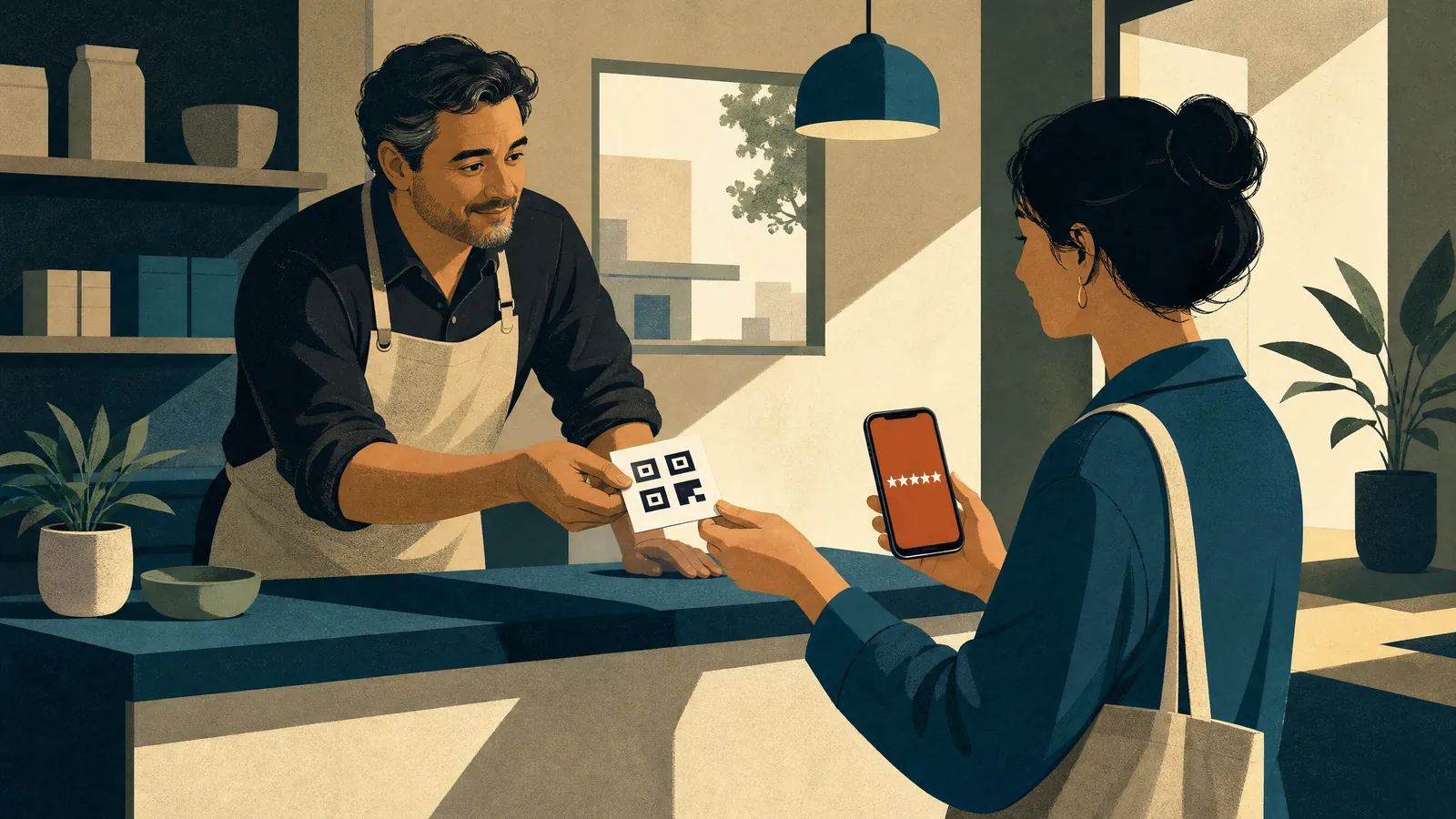
Reviews are the first thing a lot of people see before they ever call you or visit your site. They sit right next to your business on Google Maps and Search. And Google itself says reviews can help your business stand out.
The good news: getting more of them is mostly a habit, not a trick. The bad news: a few common "tricks" break Google's rules and can get reviews removed.
Here's the simple version.
1. Make it one tap
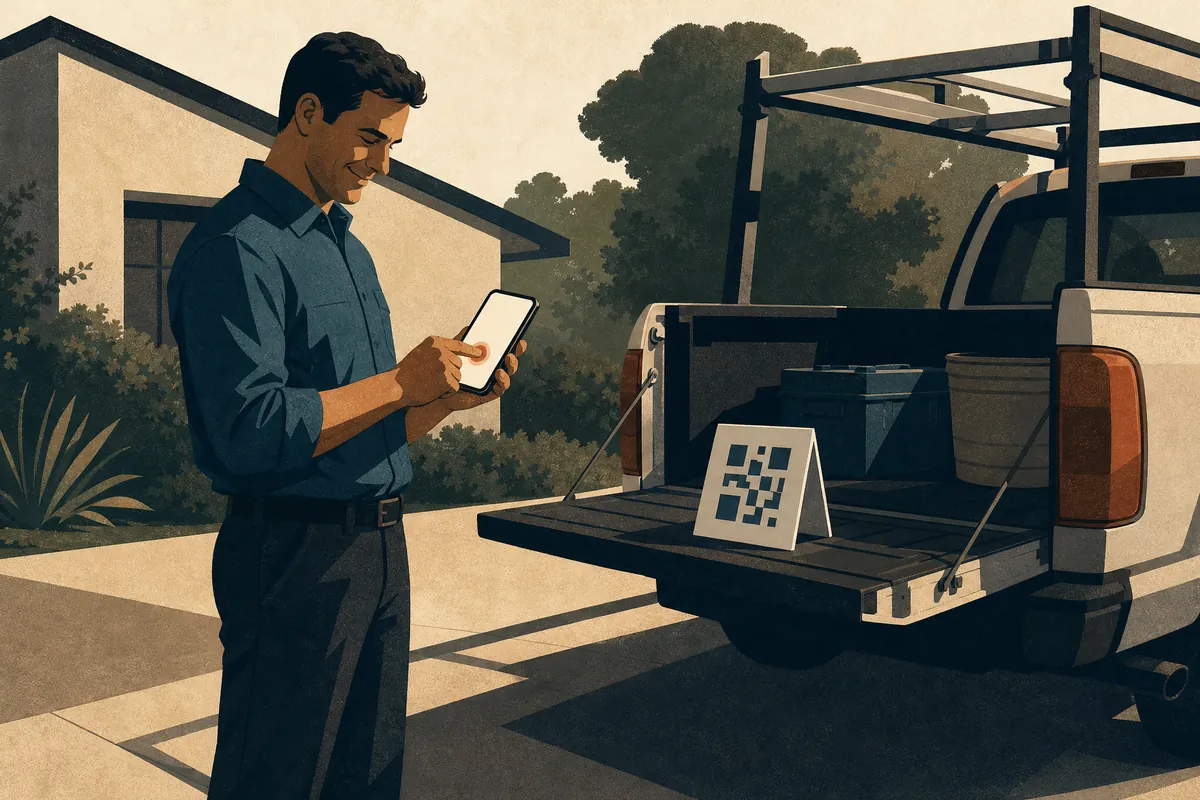
Google lets you create a link or QR code that opens your review box directly. Get it from your Google Business Profile and keep it handy.
Put it where happy customers already are:
- The receipt or invoice email
- A follow-up text after the job is done
- A small card at the counter or in the truck
- A "Leave us a review" button on your website
If a customer has to search for you, scroll, and find the button, most won't. One tap removes the excuse.
One small thing: people need to be signed into a Google account to leave a review. Google notes they can make one with any email, not just Gmail.
2. Ask everyone, every time
Google's rules allow you to ask customers for reviews. They don't allow you to ask only the happy ones.
That means no "Did you love us? Leave a review. Not happy? Email us instead" screens. Google calls this selectively asking for positive reviews, and it's not allowed.
The fix is easy: ask every customer the same way. Make the ask part of how you close every job, not something you save for good days.
A line that works: "If you have a minute, a Google review really helps a small business like ours. Here's the link."
That's it. No pressure, no script for what to say.
3. Skip the four asks that get you in trouble
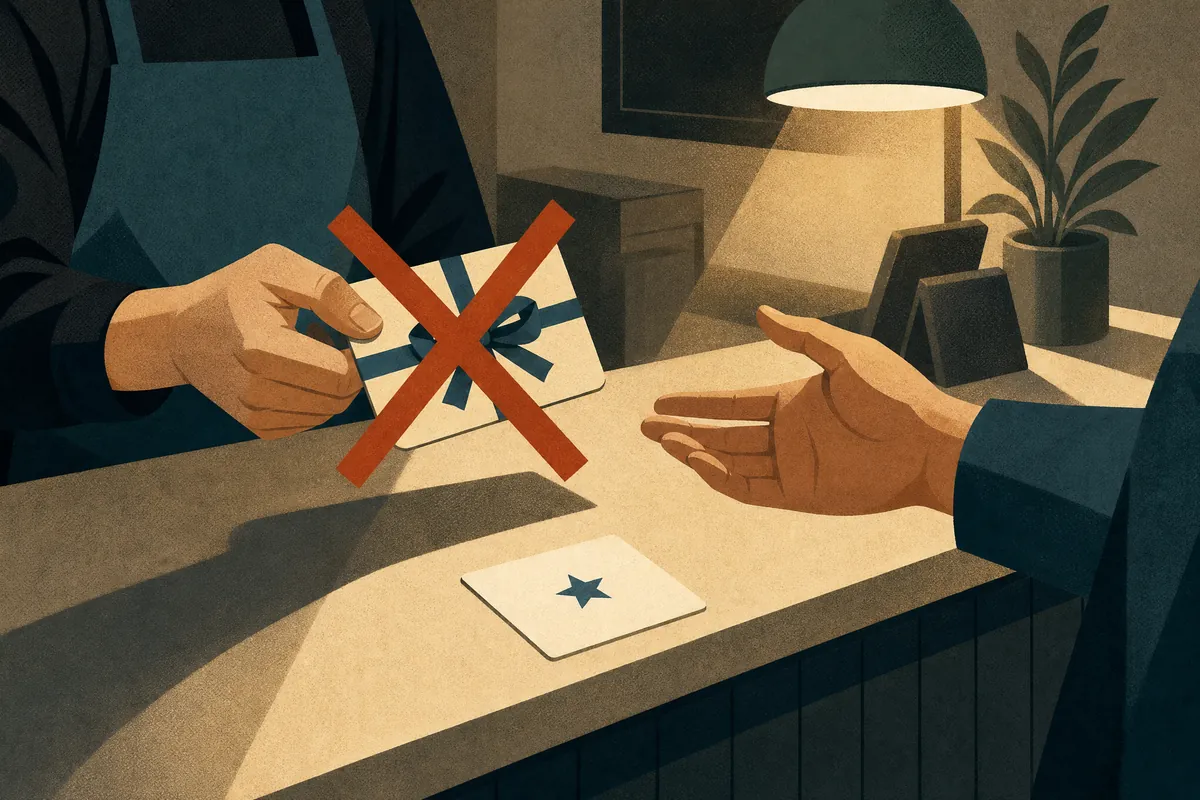
Google's policy is clear on these. Don't:
- Offer anything for a review. No discounts, free items, gift cards, or raffle entries. Google treats reviews posted for a reward as fake, even if the customer is real.
- Tell people what to write. Don't ask them to mention a service, a keyword, or a staff member's name.
- Give staff a review quota. Google specifically calls out asking staff to collect a set number of reviews.
- Ask family, friends, or employees. Reviews from people with a conflict of interest aren't allowed. Neither is one person posting from several accounts.
Google also says you shouldn't pressure people to write a review while they're still at your business. Hand them the link. Let them do it later.
4. Reply to the reviews you get
Google recommends replying, and it shows other customers you're paying attention.
Keep it short and real:
- Good review: thank them and mention something specific about their visit. Skip the coupon; Google says replies shouldn't be promotional.
- Bad review: stay calm, own any real mistake, and invite them to call or email so you can fix it privately. Never share private details about the person in public. This matters even more in healthcare, where confirming someone is a patient can itself be private information.
A mix of good and bad reviews often feels more trustworthy to people than a wall of perfect ones. One bad review is not the end of the world. How you answer it is what people read.
If a review breaks Google's rules (spam, someone who was never a customer, harassment), you can flag it for Google to look at.
5. Watch your pace, not just your total

Your total review count matters. So does how fast new ones come in compared with the businesses you're up against on the map.
If your nearest competitor gets six new reviews a month and you get one, you'll fall behind even if your rating is better. A steady ask routine is how you close that gap.
Check it monthly: how many new reviews did you get, and how many did your top three competitors get? Write it down. You'll see quickly whether the routine is working. (More on review pace here.)
Want someone to watch the numbers for you?
Local Presence from CloudBay tracks your reviews against your top 3 competitors and checks where you show up on the map every week. You see it all in one dashboard. You keep asking. We keep score.
Starting at $269 a month. See Local Presence · Run a free scan
And if your site doesn't have a review button yet, adding one is a small edit on any CloudBay Care plan. See pricing
FAQ
Can I offer a discount for a Google review?
No. Google doesn't allow any reward for a review, including discounts, free items, or contest entries. Reviews posted for a reward can be removed.
Can I only ask my happy customers?
No. Google doesn't allow selectively asking for positive reviews. Ask every customer the same way.
How do I get a direct link to my Google review page?
Google lets you create a review link or QR code from your Business Profile. Share it in receipts, follow-up texts, a counter card, or a button on your site.
Should I reply to every review?
Google recommends replying. Short, specific, and polite works best. For bad reviews, take the details offline and never share private information.
Can my employees or family leave reviews?
No. Google treats reviews from people with a conflict of interest, like employees, former employees, and family, as not allowed.
Does CloudBay ask for or reply to reviews for me?
No. Local Presence tracks your reviews and map rank against your top 3 competitors each week so you can see what's working. Asking and replying stay with you.